Get INSTANT ACCESS to the Canva Crash Course NOW!
Design Beautiful, Professional Canva Projects with Confidence in just a few hours
Design Beautiful, Professional Canva Projects with Confidence in just a few hours
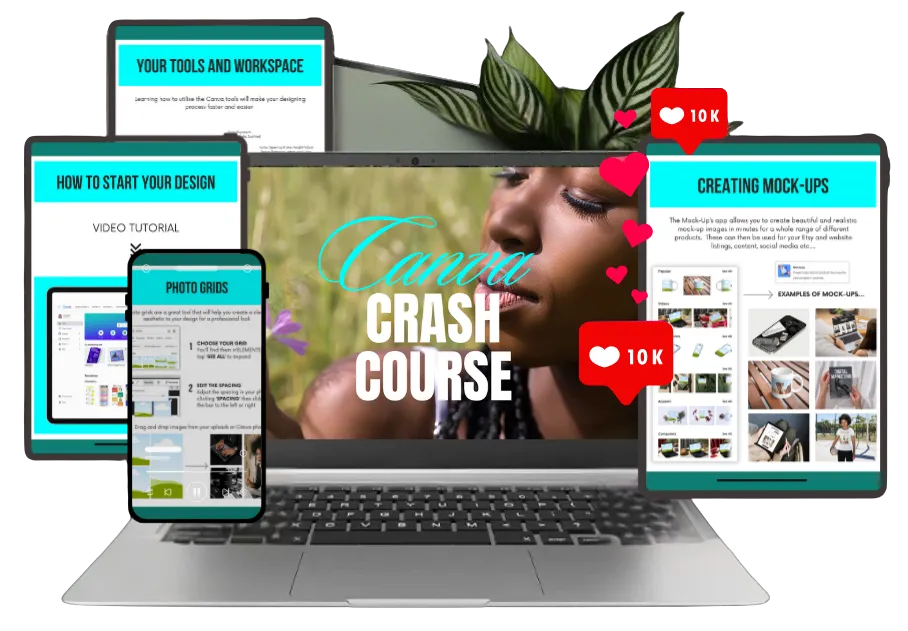
Learn practical Canva skills through 20 quick hacks, 17 foundation videos, and a hands-on workbook created by Canva Expert Tina Ghazi — hosted by QC LearnU for easy, guided learning at your own pace.
(About 2 hours of video lessons plus practice time.)
Learn practical Canva skills through 20 quick hacks, 17 foundation videos, and a hands-on workbook created by Canva Expert Tina Ghazi — hosted by QC LearnU for easy, guided learning at your own pace.
(About 2 hours of video lessons plus practice time.)
Create beautiful designs confidently — even if you’ve never used Canva before.
Choose your region to unlock your price, payment options and instant course access information.
Instant Access After Payment - Start Learning in Minutes.
Pay in BZD ($54). DigiWallet or Card.
Pay in USD ($27). Card only.
Pay in USD ($27). Card only.
Pay in USD ($27). Card only.
Pay in CAD & USD($27). Card only.
Pay in USD ($27). Card only.
Introductory Offer — $27 USD (Regularly $37.50)
The Canva Crash Course (QC LearnU Edition) Will Help You:
The Canva Crash Course (QC LearnU Edition) Will Help You:
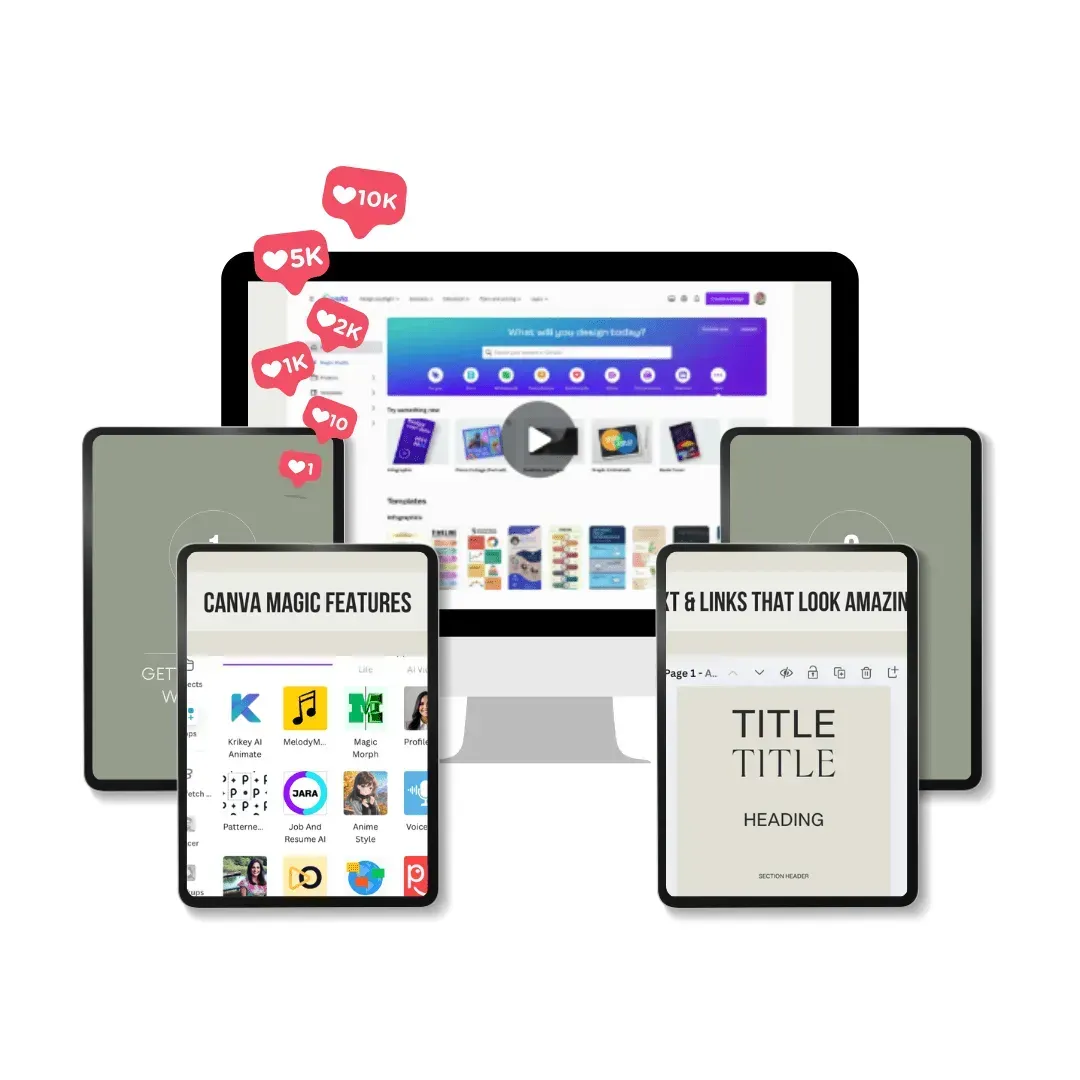
🟢 Design with confidence — learn Canva’s essential tools and features step-by-step, even if you’ve never designed before.
🟣 Work faster, with clarity — discover 20 quick hacks and 17 foundation lessons to save time without feeling rushed.
🟢 Create professional, scroll-stopping projects — from social posts to planners and eBooks, even if you think you’re “not creative.”
🟣 Stay organized and consistent — use your workbook to plan, practice, and build brand templates, even if you’re short on time.
🟢 Grow your skills at your own pace — learn when and where it works for you, with supportive guidance from QC LearnU’s learning space.
What’s Inside the Canva Crash Course
(QC LearnU Edition)
What’s Inside the Canva Crash Course
(QC LearnU Edition)
What’s Inside the Canva Crash Course
(QC LearnU Edition)
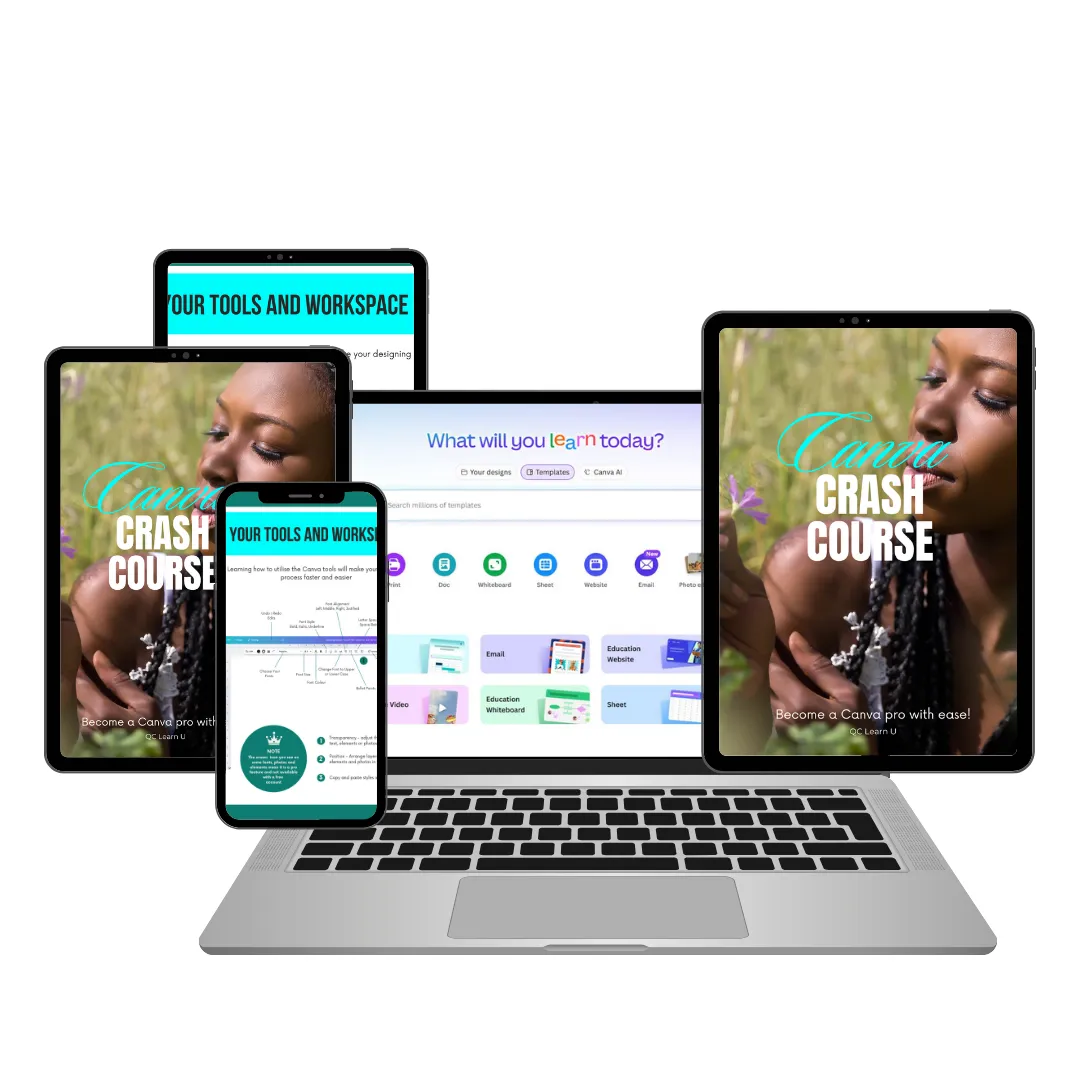
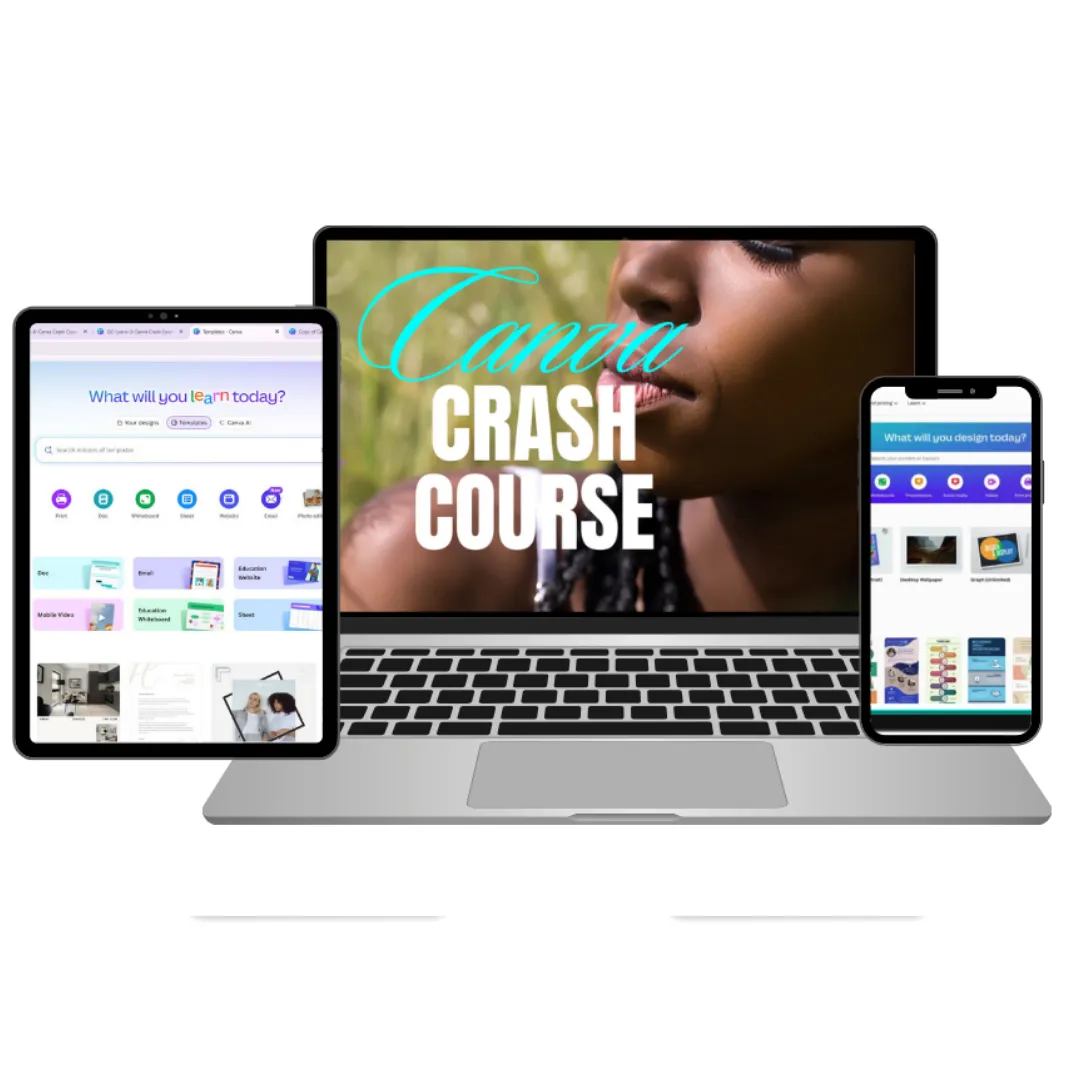
Discover everything included in your QC LearnU Edition — 20 quick hacks, 17 foundation lessons, and the exclusive workbook designed to help you design smarter and faster.
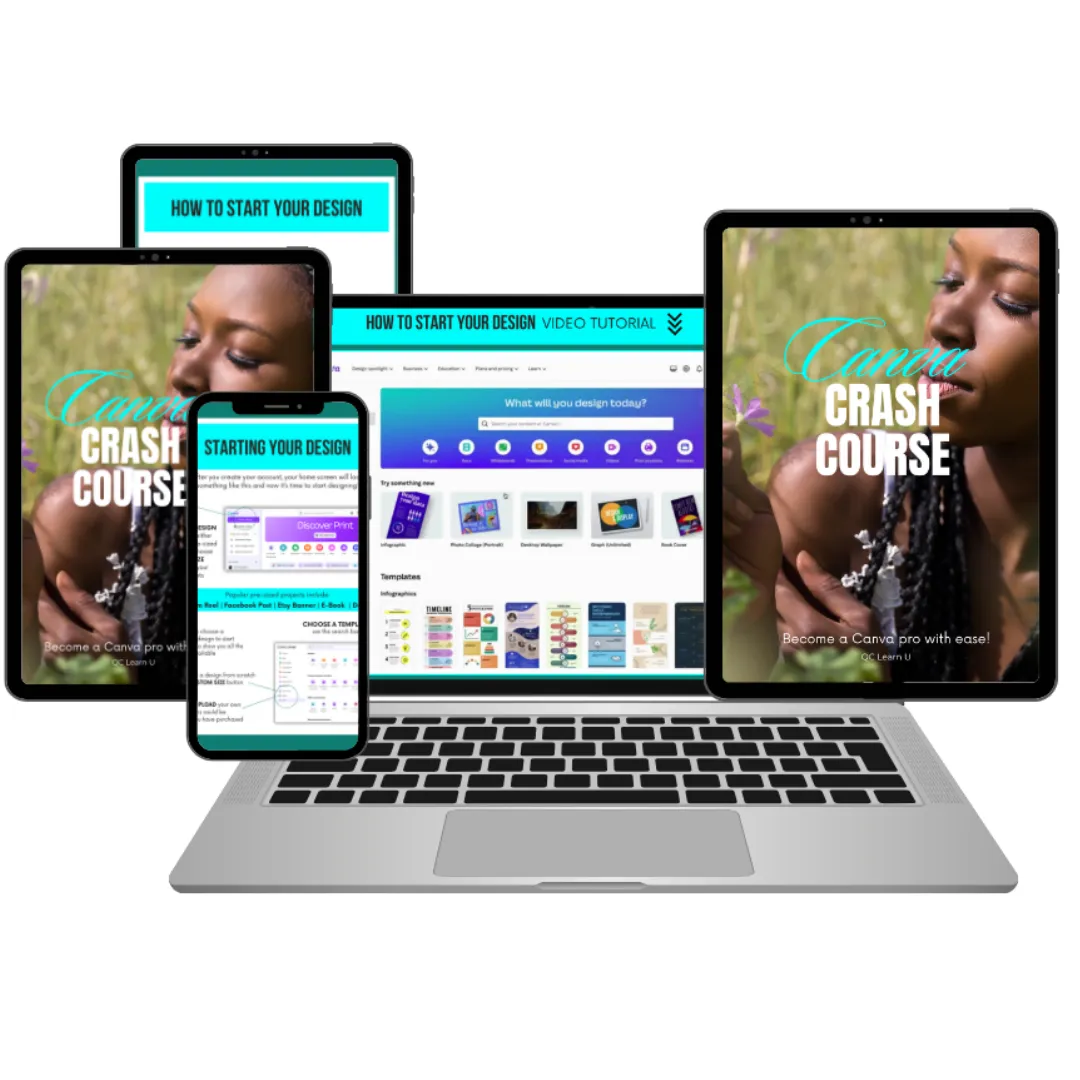
1. Getting Started in Canva - The Right Way
✔️ How to set up your Canva account
✔️ How to find templates for planners, ebooks, and workbooks
✔️ Page sizes and layout basics so your designs look clean, consistent, and ready to use
2. Setting Up Your Workspace Like A Pro
✔️ How to organize your elements & uploads for lightning-fast creations
✔️ Easy ways to maintain consistency across your various designs
✔️Folder systems that help keep your projects and elements neatly arranged
3. Essential Tools for Great Designs
✔️ How to create planner pages with grids, lines & journaling spots
✔️Simple ways to create professional ebook layouts and chapter dividers
✔️ How to design workbook exercises
4. Canva Magic Features (AI + Smart Tools)
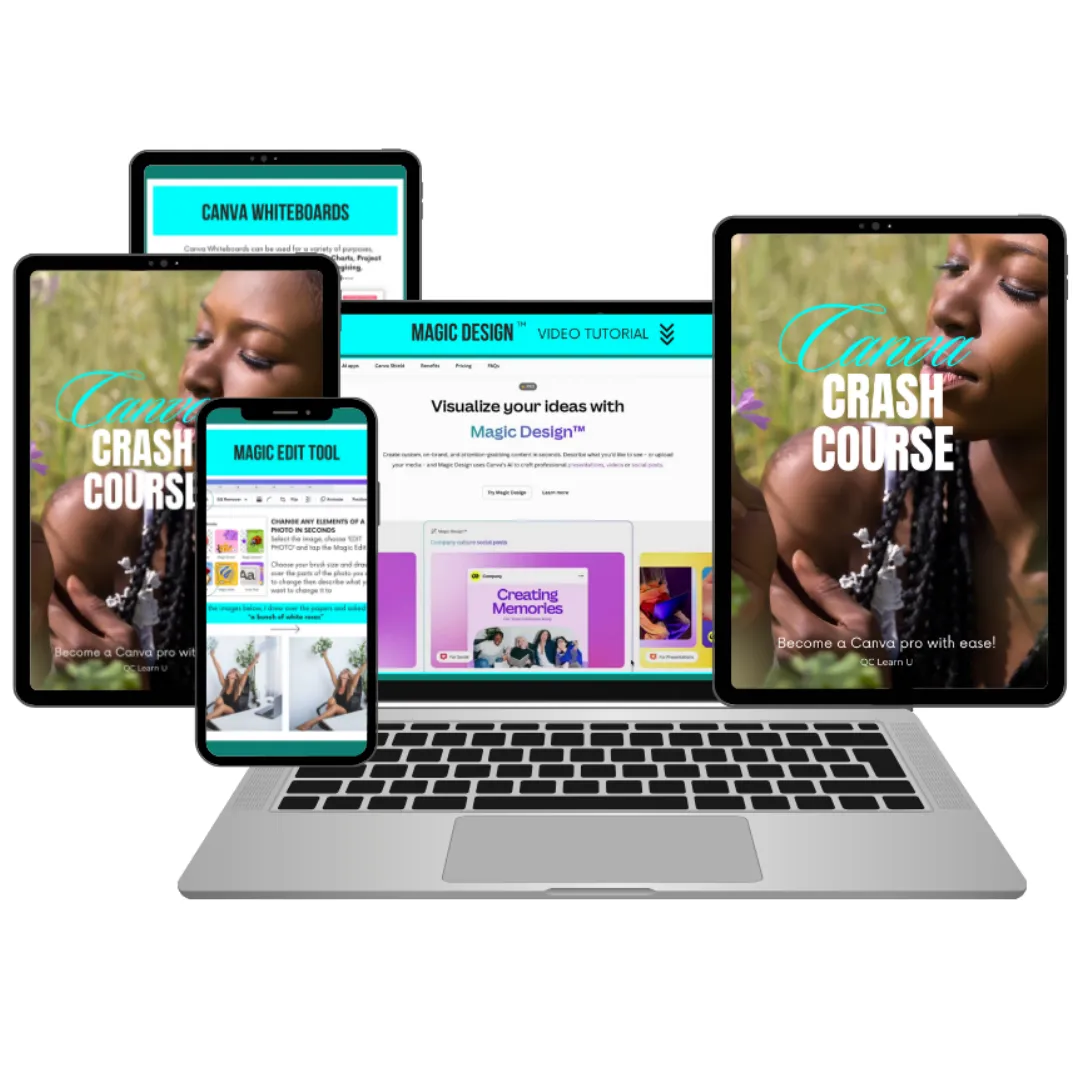
✔️How to use Magic Resize to create product bundles and other designs instantly
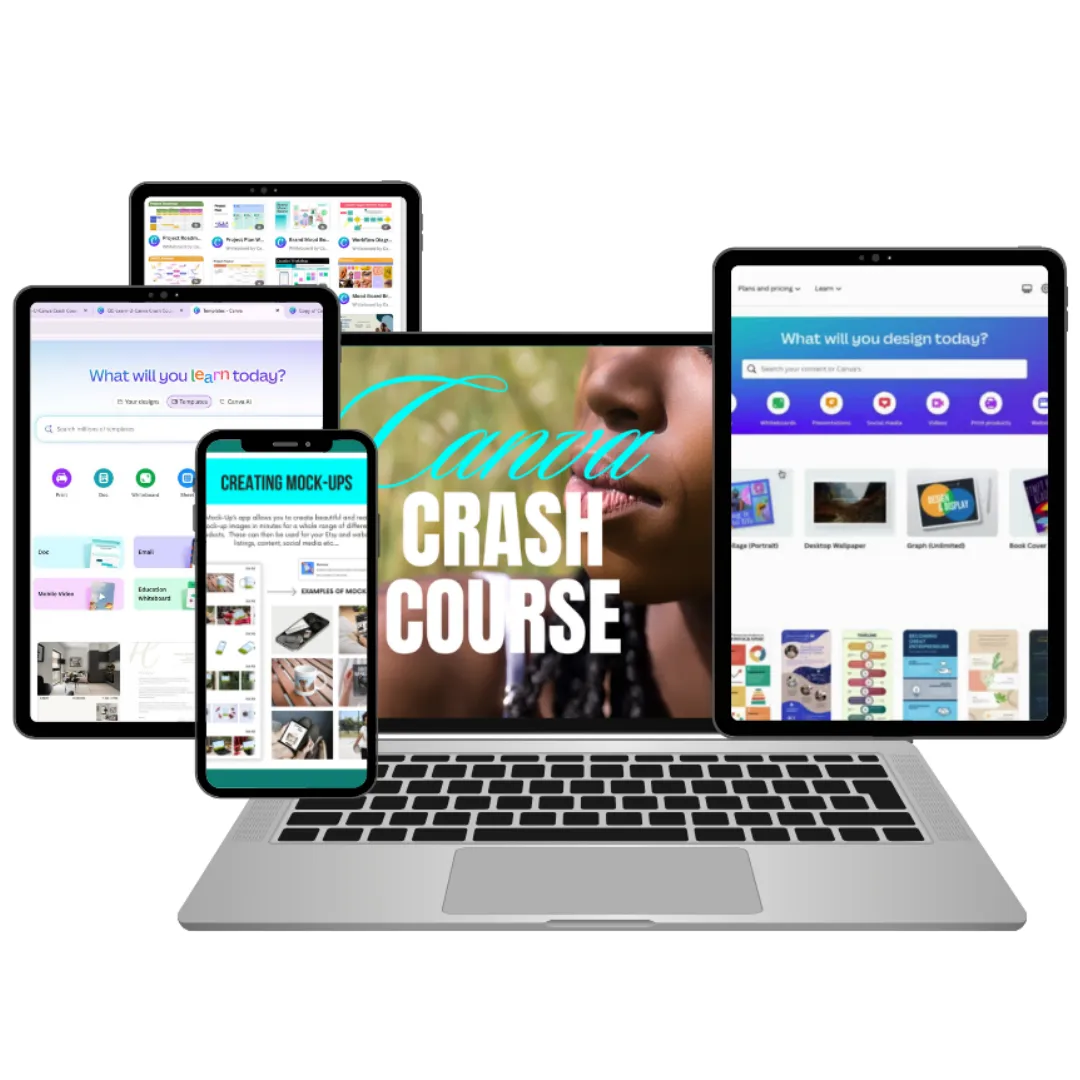
✔️ How to create simple mockups to display your project or products
✔️ How to use Smart Pages to create entire planners with just a few clicks.
5. Text & Links That Look Great
✔️ How to create clickable tables of contents for ebooks, guides, etc.
✔️ Font combinations that are easy to read and use
✔️How to add fillable form fields to planners etc.
6. Preparing Your Formats
✔️The right file formats to use for different products/projects (PDF, PNG, JPG, etc.)
✔️ How to create preview images or cover pages that clearly show what your design is about
✔️The best settings for designing products that works on different devices
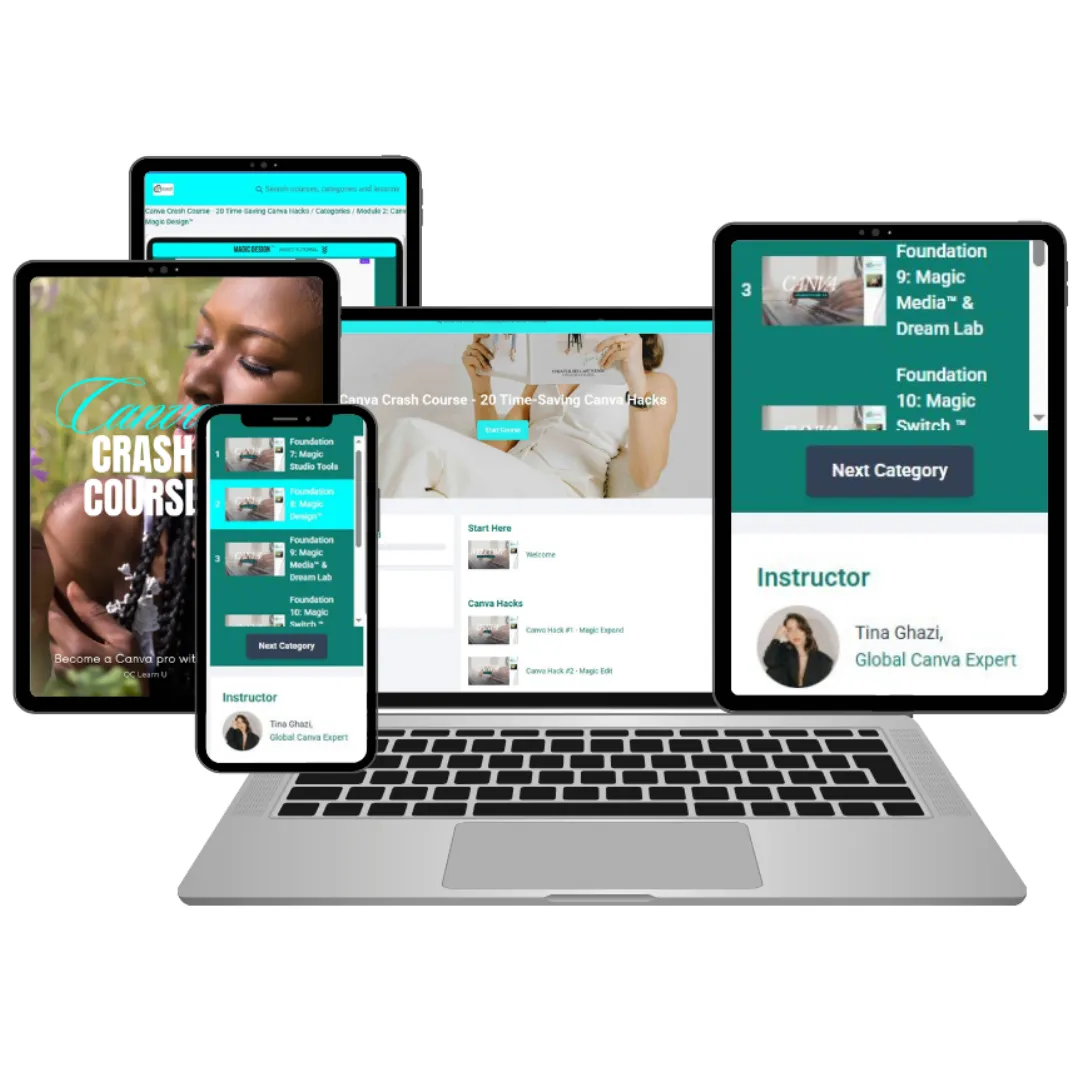
7. Guided Screen Tutorials (20 Quick Hacks + Foundation Lessons)
✔️ Step-by-step video guides that walk you through key Canva tools and features
✔️ Short, practical hacks showing real examples you can follow along with
✔️The flexibility to pause, rewind, and rewatch at your own pace
8. QC LearnU Certificate of Completion
✔️A branded QC LearnU Certificate you can download and showcase
✔️A confidence boost recognizing your new Canva skills
✔️A polished credential for your portfolio, resume, or online profiles
Will This Work for Me?
Absolutely — especially if any of this sounds like you…
✔ Are brand-new to Canva or feel unsure where to start
✔ Want simple, step-by-step guidance instead of guessing
✔ Prefer learning at your own pace, without overwhelm
✔ Tried Canva before but felt stuck or confused
✔ Want your designs to finally look clean, organized, and professional
✔ Are brand-new to Canva or feel unsure where to start
✔ Want simple, step-by-step guidance instead of guessing
✔ Prefer learning at your own pace, without overwhelm
✔ Tried Canva before but felt stuck or confused
✔ Want your designs to finally look clean, organized, and professional
No tech skills needed. No design background required.
Just a willingness to learn — we’ll guide you the rest of the way.
Who's This Perfect For?
No matter your background or skill level, this Canva Crash Course is designed to help you create confidently.
Small business owners
Teachers & Educators
Students
Freelancers
Virtual Assistants
content creators
Solopreneurs
small teams / Staff Who Need Basic Design Skills
Nonprofits
marketers
Social Media Managers
side hustlers
Church / Ministry Media Volunteers
Beginners learning Canva
Anyone who wants to design with confidence
Meet QC LearnU
Experience-Driven. Practitioner-Led. Designed for Real People.
QC LearnU is the learning track of Quiet Collab Solutions Ltd. — created for everyday learners who want clear, practical guidance without overwhelm. Our sessions are shaped and led by experienced practitioners from diverse industries, each bringing real-world insight and hands-on skill into every lesson.
At QC LearnU, the journey is simple:
learn with clarity, practice with confidence, and grow at your own pace.
Our programs are designed to support:
- Today’s professionals who want stronger digital and creative skills
- Tomorrow’s talent preparing for future-ready opportunities
- Individuals seeking practical, marketable capabilities they can use immediately
- Creators, freelancers, service providers, and everyday learners wanting step-by-step support
Whether you're designing for work, business, ministry, school, or personal projects, QC LearnU gives you access to structured, experience-driven learning that meets you exactly where you are.
Our mission is to make learning clear, grounded, and confidence-building — one session at a time.
Certificates Earned Through This Track
- QC LearnU Certificate
- QC LearnU NextGen Certificate
Quiet Collab Solutions Ltd. — rooted in faith, purpose, and gratitude — remains committed to creating learning spaces that elevate people quietly, steadily, and intentionally.
STILL NOT SURE?
Frequently Asked Questions
We understand lorem ipsum dolor sit amet, consectetur adipisicing elit.
1. Do I need Canva Pro for this course?
Some lessons inside the course include features that are only available in Canva Pro — especially the AI, Magic, and automation tools. If you want to practice these features as you go along, it’s recommended that you have access to Canva Pro (even if it’s just through Canva’s free Pro trial).
You can still follow the foundational lessons and many of the quick hacks using the free version, but the more advanced tools shown in the course work best with Pro.
2. What if I’ve used Canva before or already know the basics?
You’ll still benefit — especially from the 20 Quick Hacks.
These short, practical lessons show time-saving techniques you may have never used, even if you’re already familiar with Canva.
You can:
- Start with the 20 Quick Hacks
- Apply them immediately to your existing workflow
- Then revisit the foundational lessons to fill in any gaps
This course works for both beginners and experienced Canva users who want to design faster and more confidently.
3. Who teaches the course?
The course was created and taught by Tina Ghazi.
This QC LearnU edition is hosted by Quiet Collab Solutions Ltd., who has organized the lessons, added structure, and included the certificate.
4. How long is the course?
The course includes approximately 2 hours of video lessons (20 Quick Hacks + foundational lessons).
Most learners finish in a few hours, depending on how much they choose to pause, practice, or experiment along the way.
You can learn entirely at your own pace.
5. Will I receive a certificate?
Yes.
You will receive a QC LearnU Branded Certificate of Completion, which you can download, print, or use to showcase your learning milestones.
6. Is this course affiliated with Canva?
No.
This course is independently compiled by Quiet Collab Solutions Ltd. and taught by Tina Ghazi, and is not affiliated with, sponsored by, or endorsed by Canva Pty Ltd.
Canva™ is a registered trademark of Canva Pty Ltd.
7. Can I take this course at my own pace?
Absolutely.
You can go through the lessons whenever it works best for you, pause or rewind as needed, and return to any section you want to practice again. The course is designed to fit into real life — no pressure, no deadlines.

© Quiet Collab Solutions Ltd. | QC LearnU — All Rights Reserved.
This course is published by Quiet Collab Solutions Ltd. as part of the QC LearnU training library.
It is not affiliated with, sponsored by, or endorsed by Canva Pty Ltd. Canva™ is a registered trademark of Canva Pty Ltd.
Introductory Offer — $29 USD (Regularly $37.50)

Here’s what you’ll get inside:

20 quick, practical video hacks to help you design smarter and faster — no advanced skills required.
Step-by-step companion notes created by the QC LearnU team to make each lesson clear and easy to follow.
A downloadable Practical Guidebook (PDF) with Canva fundamentals like workspace setup, mock-ups, and file saving — perfect to refer back to anytime.
Flexible self-paced access so you can learn on your own time, wherever you are.
What This Course Isn’t
❌ This isn’t a full-length design program or a certification directly from the Canva platform.
Instead, it’s a real-world, experience-based learning path that helps you quickly apply what you learn — whether you’re designing for clients, your business, or personal projects.
Upon completion, you’ll receive a QC LearnU-branded Certificate of Completion, recognizing your effort and growth, issued by Quiet Collab Solutions Ltd.

How We’ll Get There
This isn’t just theory—it’s a guided experience designed to show you what great virtual events can feel like, then walk you through how to replicate it. You’ll experience the QuietCollab VE Method live, then dive deeper with practical, self-paced lessons you can apply right away.

Module 1: Live Masterclass: The Method in Action
See it. Feel it. Experience it live as we model the QuietCollab VE Method in real time—then unpack exactly what made it work.
Module 2: Mindset – Audience First Foundations
Shift from “just get through it” to “design with purpose.” Learn the core mindset that separates forgettable from phenomenal.
Module 3: Precision – Mapping Your Flow with Clarity
Plan like a pro. Nail your run-of-show, transitions, and tech touchpoints so your sessions feel seamless—not scrambled.
Module 4: Value – Amplify with Visuals & Engagement
Make every moment matter. Learn how to use visual cues and intentional touch points to reinforce learning and connection.
Module 5: Rapport – Building Connection & Credibility
Deliver with ease and presence. Discover rapport-building cues that help your sessions feel more human—even behind the screen.
Who Is This for?

✅ Freelancers who want to create polished visuals that reflect their brand or client projects
✅Small-business owners who need designs that look professional without hiring a designer.
✅ Marketers and content creators looking to save time on social posts, presentations, and graphics.
✅ Students or early-career professionals who want to build creative confidence using Canva.
Whether you’re designing for work, study, or your own small brand, this course helps you strengthen your skills one practical hack at a time.
Who Should Attend?
This Masterclass is Tailored for You, Especially If...
✅Solopreneurs, consultants & freelancers juggling content delivery, platform setup, and audience engagement
✅Team leads & support staff tasked with running virtual sessions without a formal process
✅HR managers, L&D teams & training coordinators building in-house expertise in virtual learning
✅Compliance officers & department heads responsible for mandated online trainings
✅Business owners & decision-makers evaluating whether to outsource or hire dedicated virtual-events support
✅Anyone who cares deeply about their brand’s credibility and values their attendees’ time
🎯 What You’ll Learn
Inside this experience, you’ll get more than tips—you’ll gain a repeatable system
for delivering high-impact virtual events, no matter your role.
✅Apply the QuietCollab VE Method to streamline your planning and enhance attendee engagement—from mindset to final moments.
✅ Create a smoother run-of-show with intuitive, conversational cues, tools and platform checklists.
✅ Make your sessions feel more human using subtle cues that build rapport and reduce friction.
✅ Save time with plug-and-play templates you can adapt across sessions, teams, and platforms.
✅ Plus, get our DIY vs. Outsource decision guide so you know exactly if, when, and where to bring in extra help—without overpaying or losing control.
🤔 Still Wondering If It’s for You?
You might be thinking…
“I already run smooth sessions—what more could this add?”
Even seasoned hosts walk away saying, “I didn’t know what I didn’t know.” This isn’t about overhauling your style—it’s about layering intention, ease, and repeatability into what you already do.
“My team’s too busy to attend or implement this.”
That’s exactly why you need it. The live session sets the tone—but the four follow-up modules are self-paced, giving your team flexibility to learn on their own time while aligning with a shared system.
“We already have our own way of doing things.”
Perfect. The QuietCollab VE Method doesn’t compete—it complements. It fills in the blind spots that even experienced teams miss, making your current approach more intentional and sustainable.
“This feels too advanced / too basic.”
Wherever you are, we meet you there. Whether you’re a solo host juggling it all or managing a team, you’ll gain access to usable tools—and the clarity to grow with confidence.
“We don’t have the budget right now.”
We hear you. That’s why we’ve priced this to be accessible—especially when compared to the cost of rework, low retention, or chaotic sessions that drain morale.

YOUR HOST
FOR THIS MASTER CLASS

Your Host: Quiet Collab Solutions Ltd.
A Belizean-owned digital support company,
quietly changing the way virtual events are done.
Quiet Collab Solutions Ltd. is a Belizean-owned digital support company, officially registered in July 2024. However, the journey started long before that, when founder, Karryn Dawson began offering behind-the-scenes support to her faith community during the height of the pandemic.
What began as a calling to help others stay connected online soon sparked a deeper curiosity: Could this kind of intentional, intuitive support help others too? That question led to hands-on testing, learning, and growth — and eventually evolved into what we now know as Quiet Collab Solutions Ltd.
Today, Quiet Collab provides intuitive support for virtual events across industries — from legal to medical, educational to creative, nonprofit to faith-based. We've had the joy of supporting clients in six countries, and we’re just getting started.
But this masterclass? This is us taking it a step further. Whether or not you ever contracted our services, we want to equip you with the same principles and practices that have helped others host smoother, more meaningful online events. Because we believe everyone deserves the chance to show up with confidence — especially behind the scenes.
Hosted by: Karryn Dawson
Virtual Event Supporter | Online Opportunity Tracker
🌍 What Clients Experienced—Before Quiet Collab Had a Name
These are real words from clients served before Quiet Collab Solutions Limited was born. While only a few knew the name and many experienced the impact—crafted through quiet, intentional support that would later become the QuietCollab VE Method.
"Karryn ensured our event ran smoothly, handling all the technical aspects of Zoom with ease—from managing panels and keynotes to troubleshooting in real time. Her calm and confident approach allowed our team to focus on delivering a great experience without worrying about tech hiccups. She was an essential part of our team."
Ruby, USA
In memory of a treasured collaborator. Shared in February 2025.
"Absolutely phenomenal experience! From our very first conversation, I knew I was in capable hands. On the day of my live webinar, she managed everything seamlessly—music, attendees, Zoom controls—so I could focus on content. Calm, professional, and detail-driven. Highly recommend."
Michell, South Africa
"Karryn is very knowledgeable, friendly and supportive. I found the webinars I attended to be thorough, concise, and mindful of the insecurities some of us have about dealing with online commerce. I highly recommend anyone new to online business to check out Quiet Collab."
Ronald, Canada
"Karryn always makes my online workshops more professional. She goes the extra mile to make sure everything goes well. Would highly recommend!"
Ian, UK
"I couldn’t be more impressed. Every aspect of my convention was smooth, professional, and stress-free. The team was polite, responsive, and incredibly detailed. Highly recommended!"
Beth, USA
"We worked with Karryn at Quiet Collab Solutions a number of times… Initially we hired them for back-room tech support and were so impressed we immediately booked them for future events. Karryn’s knowledge of the Zoom platform added a level of professionalism to our presentation and allowed us to be present in a way that doing our own tech did not."
Kathleen, USA
Now it’s your turn to take the lead....
This masterclass is for thoughtful hosts like you—people who want to deliver sessions that align with your values, reflect your brand, and genuinely care about your audience’s experience. Whether you’re solo or with a team, what you learn here will shape how your events are remembered.
Sale closes on August 24, 2025 at midnight*
📅 Thank you for your interest! Our next session is coming soon
🕙 10:00 AM Belize Time / 12:00 Noon EST
🎟️ Seats are limited — registration closes soon.
(Need more than 5 seats or want a private session? Ask about custom rates.)
⚡Fast-Action Bonus: Next 5 REGISTRANTS get Quick Pre-Event Review
ESSENTIAL PASS
Perfect for solo pros who just want the goods.
Live Masterclass
5 Core Modules + 30‑day Replay
Auto‑Issued Certificate

SUPPORT PASS
Great if you want templates, tools, and a jumpstart.
Live Masterclass
5 Core Modules + 30‑day Replay
Auto‑Issued Certificate
Intentional Online Support Kit
CONSULT PASS
Best if you want done-with-you support and strategy.
Live Masterclass
5 Core Modules + 30‑day Replay
Auto‑Issued Certificate
Intentional Online Support Kit
60‑Min Event Consultation & Debrief
Due to the interest we’ve received,
we’re preparing an updated session (2.0).
Stay tuned — you’ll want to be in the room!
Registration closes on August 24, 2025 at midnight*
Pay securely via credit card, PayPal, or bank deposit (Belize only).
Backed by our 100% satisfaction promise. If you attend and feel it wasn’t worth the investment, contact us within 7 days for a full refund.
F.A.Q.'s
What language will the session be in?
The session is presented in English, but if you’re joining on a supported device, live captions may appear in your device’s default language, depending on your settings and platform.
Do I need to be in Belize to attend?
Not at all. The masterclass is fully online and open to anyone, anywhere. As long as you have internet access, you’re welcome to join from anywhere in the world.
Is this just for ZOOM users?
Not at all. About 90% of the tips and strategies are useful for any online meeting or event platform—including Teams, Google Meet, Webex etc. In short, this is not about which platform you use—it’s about how you use it to deliver thoughtful and intentional virtual experiences.
I’m already familiar with Zoom. Is this for me?
Absolutely. This isn’t a Zoom tutorial. It’s a people-first, purpose-driven approach to hosting and supporting meaningful virtual experiences. Whether you’re leading from the front or quietly supporting from behind the scenes, you’ll walk away with a renewed sense of intention, presence, and confidence.
Is this session interactive?
Yes—to an extent. This is a webinar-format masterclass, so you won’t be on camera, and your mic will be off for most of the session. But you can participate through the chat, respond to polls, and if you'd like to ask a question or share during the Q&A, you may request to unmute your mic.
Will there be a sales pitch at the end?
No hard sales here. We’ll briefly share at the end how Quiet Collab supports others behind the scenes—but this session is intended to deliver real value, whether you choose to collaborate with us or not.
Can I bring a team member or colleague?
Yes! If you’d like your colleagues to join, you can either register separately or choose a Team Pass for $300 USD, which includes up to five people. That’s five seats total, so it’s a smart way to include your core team in the experience
What if I’m not satisfied with the session?
We genuinely want this to be worth your time and investment. If for any reason you don’t find it valuable, we offer a money-back guarantee. You’ll receive a full reimbursement, even if we’re unable to refund through the same payment method. Just reach out and let us know.
What if I can’t stay for the entire 90 minutes?
That’s okay. We know life happens. We encourage you to attend as much of the session live as you can — and if you’ve selected a ticket with replay access, you’ll be able to revisit any part you missed.
Why are prices listed in U.S. dollars?
Our services are designed for a global audience, and many of the payment methods we use require U.S. currency. While we’re based in Belize, this helps us simplify registration and serve participants from around the world.
How can I pay?
You can pay securely using a credit or debit card. If you're located in Belize, bank transfers are also accepted. Once you register, you’ll receive details based on the method you choose.
Are there any opportunities to earn with this event?
Yes! We offer commission-based opportunities through our affiliate support option. Reach out to our team to learn how you can partner with us.
Where will the event be hosted?
This is a fully virtual event, hosted securely on Zoom. You can join from anywhere in the world using your unique access link.e.
When and how will I receive the event link?
Once your payment is confirmed, you’ll receive a receipt and confirmation message via email. Your unique access link will then be sent to the email address provided during registration.
Can I register on behalf of a team?
Yes, team registrations are welcome! After your payment is received, our support team will follow up with you to collect the names and email addresses of your team members. Each person will receive their own unique access link to join the event.
Before you go...
You’re already doing the work—whether it’s presenting, facilitating, or pulling the pieces together behind the scenes.
This session isn’t here to rush you through it.
It’s here to help you plan and show up with more confidence, more intention, and a stronger connection to the people on the other side of the screen.
Whether you lead solo or manage a team, this is about raising the bar for your next virtual session—not by doing more, but by doing it better.
Because when you care about the experience, not just the content, people notice.
And we’re here to help you make that happen.
— The Quiet Collab Team
Behind every smooth virtual meeting... there’s someone holding it together
It’s not about being perfect — it’s about being supported.
When you're the one holding it all together, even a little help can go a long way.
With the right support, you don’t have to figure it out alone.
Whether you're ready to register or still figuring things out…